PrismSnake.io
Gemini said
PrismSnake.io | Official Game Description
Step into the PrismSnake.io arena, a high-octane, cyber-terminal world where speed and strategy collide. Experience a modern evolution of the classic snake formula, rebuilt with a stunning glassmorphism aesthetic and neon-pulsing visuals.
Gameplay Features
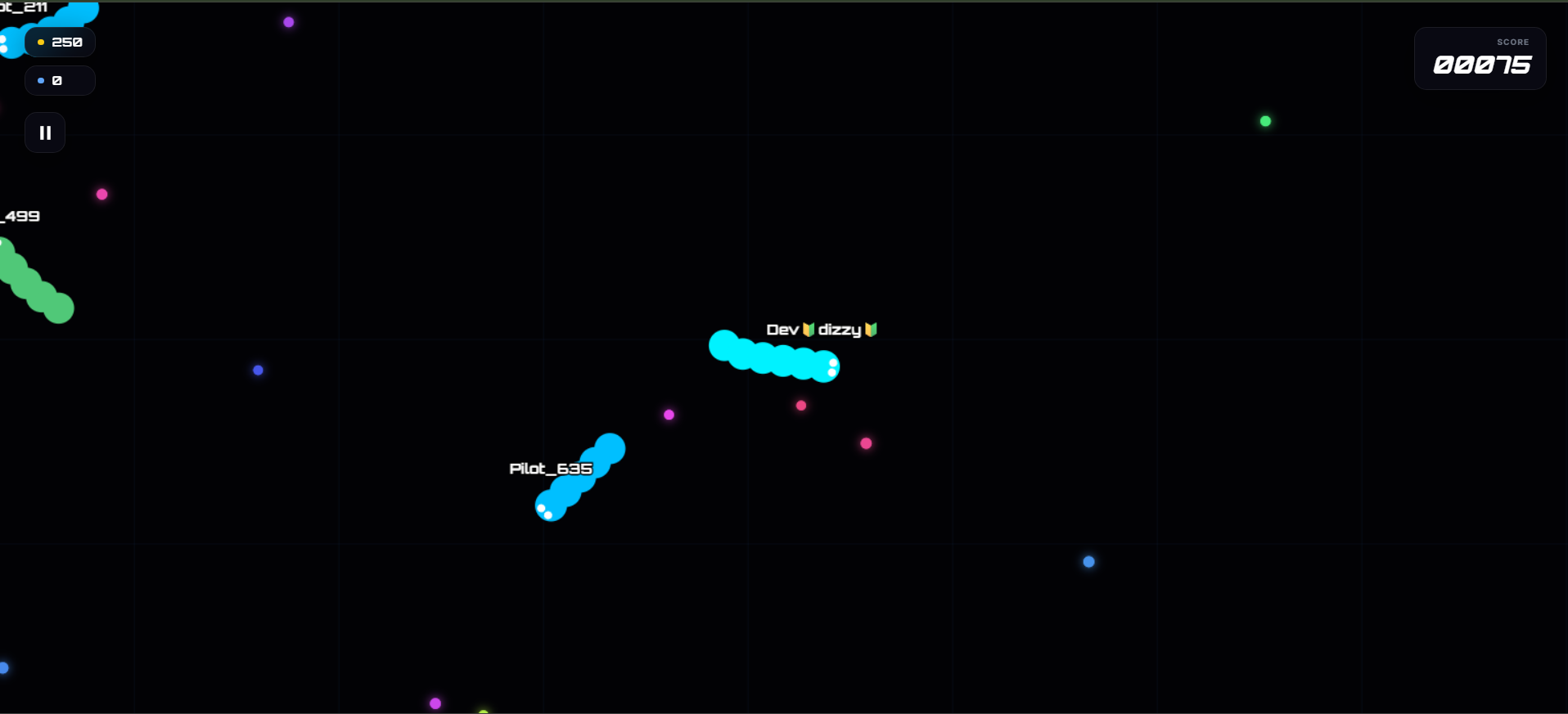
- The Arena: Navigate a massive 6000x6000px digital grid filled with glowing orbs and rival pilots.
- Customization: Visit the Vault to unlock 25 unique skins, ranging from "Neon Pulse" to the "Prism Overlord".
- Contract System: Complete timed missions like "Eliminate 5 Snakes" to earn coins and premium diamonds.
- Tactical Boost: Use the high-speed boost to outmaneuver enemies, but be careful—it costs length to maintain.
- New Audio Update: Experience fully immersive gameplay with a dynamic soundtrack and SFX.
Terms of Service & Rules
By entering the arena, you agree to the following pilot protocols:
- Fair Play: All players start with a 5-second protection shield to ensure a fair deployment.
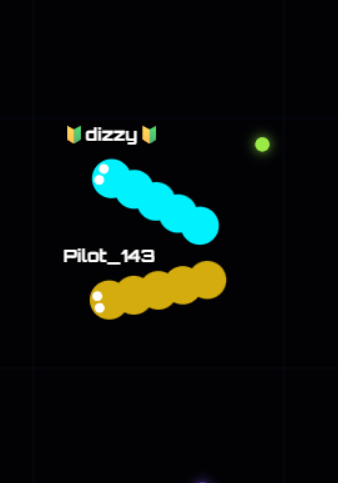
- Combat Logic: Striking another snake's body results in immediate elimination, while forcing an enemy to hit your trail earns you a kill reward.
- Progress Saving: Your pilot identity, currency, and unlocked skins are saved locally to your device.
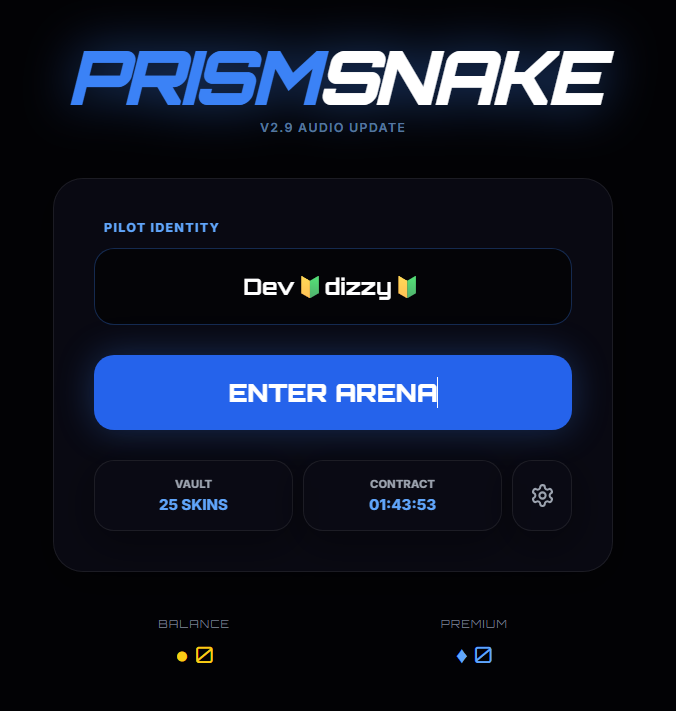
- Identity: Players may choose a unique pilot name (up to 12 characters) to represent them in the kill feed.
Privacy Policy
Your privacy is a priority in the PrismSnake ecosystem:
- Data Collection: We do not collect personal identification or location data.
- Local Storage: The app uses your device's storage solely to save your game progress, currency, and settings.
- No Accounts: No email or password is required; all data stays on your hardware.
- External Assets: The app requires internet access only to load the visual framework and audio files from secure sources.
Desktop Controls- Movement (Mouse): The snake automatically follows the position of your cursor on the screen.
- Movement (Keyboard): You can use the W, A, S, and D keys to steer your snake in any direction.
- Speed Boost: Hold the Spacebar, Left Shift, or K key to increase your speed.
- Pause: Press the Escape key to open the pause menu and halt the action.
- Joystick: A virtual joystick appears on the bottom left of the screen; drag the handle to steer your snake.
- Boost Button: A dedicated BOOST button is located on the bottom right; tap and hold it to surge forward.
- Menu Navigation: Use the pause icon in the top-left HUD to access settings or exit the arena during a session.
Download
Install instructions
New Update:-
In v3.1 (Arena Leaderboard Update), several core gameplay features, AI adjustments, and performance fixes have been integrated:
🏆 1. Real-Time Score & Kill Leaderboard
- Added a live leaderboard in the top-right corner that ranks the Top 5 active snakes in real-time.
- Displays ranks using the format:
Score (Kills)(e.g.,1245 (3)). - Highlights your name in cyan/blue so you can easily track your climb, and keeps your rank visible even if you are outside of the top 5.
⚔️ 2. Fun Combat & "Imperfect" Bot Evasion
- Fewer "Impossible" Escapes: Bots no longer dodge instantly or perfectly. Their defensive danger-bubble has been significantly scaled down from 140 to 75, making it much easier for you to trap them or cut them off.
- Human-like Mistakes: Bots now have simulated reaction delays, limited turning rates (0.12 down from 0.15), and varying intelligence levels. Some bots will naturally make mistakes, lose focus when chasing high-value orbs, or fail to notice you cutting across their path.
📛 3. Real, Unique Gamer Names
- Replaced generic random numbers with a pool of over 60+ unique gamer tags (such as ViperX, VoidWalker, Quantum, CosmicSlink).
- The game active-tracks spawned names to ensure no duplicate names exist in the same round.
🚀 4. "Reduce Lag" Optimization Mode
- Under Settings, you can toggle Reduce Lag on. This low-spec optimization mode instantly:
- Disables all resource-heavy canvas shadow-glowing effects on foods.
- Skips rendering alternate body segments for bots to optimize draw calls.
- Balances the active bot and orb count in the arena for smooth 60fps gameplay.
- Size Cap: Visual growth now strictly caps at
20,000score /75body segments to completely eliminate high-score rendering lag.