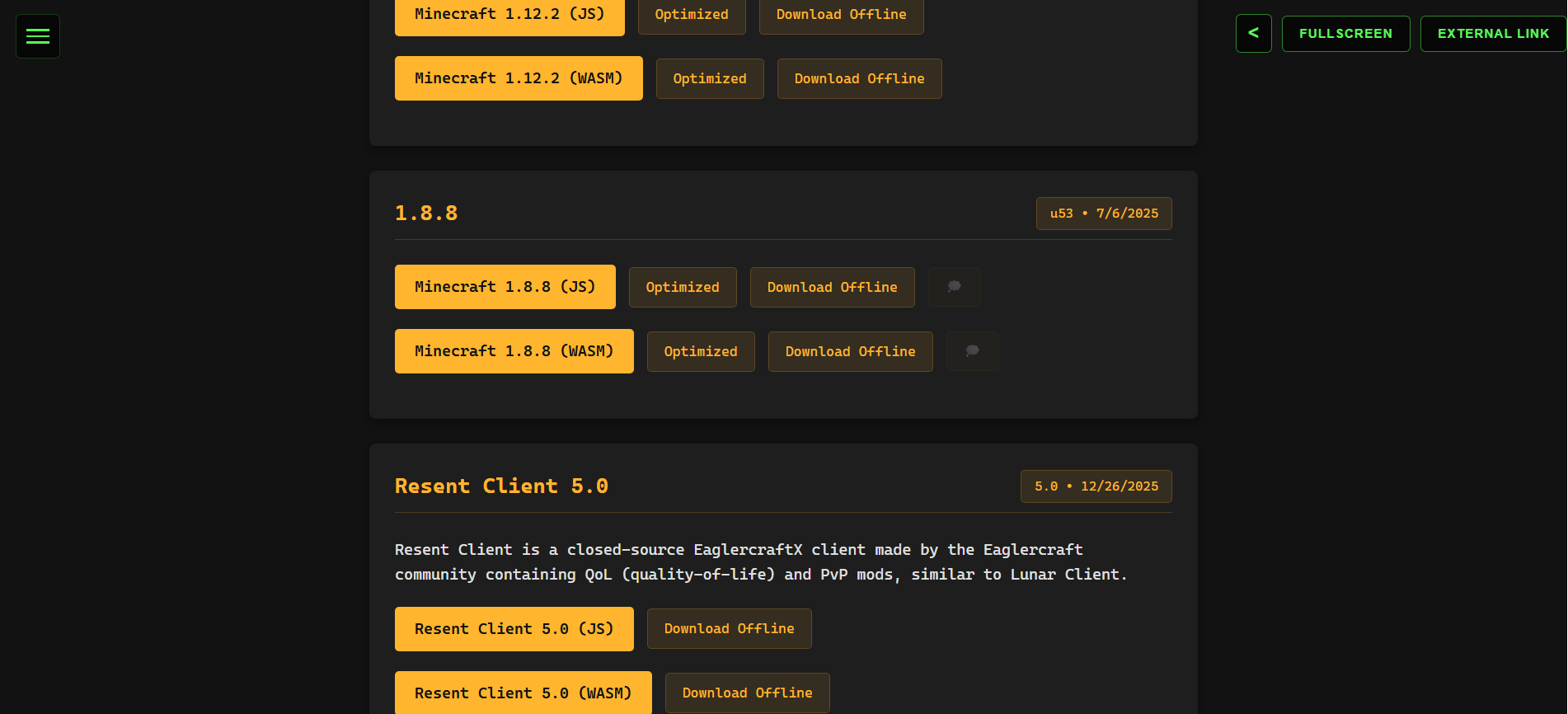
Minecraft.All versions
Eaglercraft 1.12.2 Ultimate Launcher
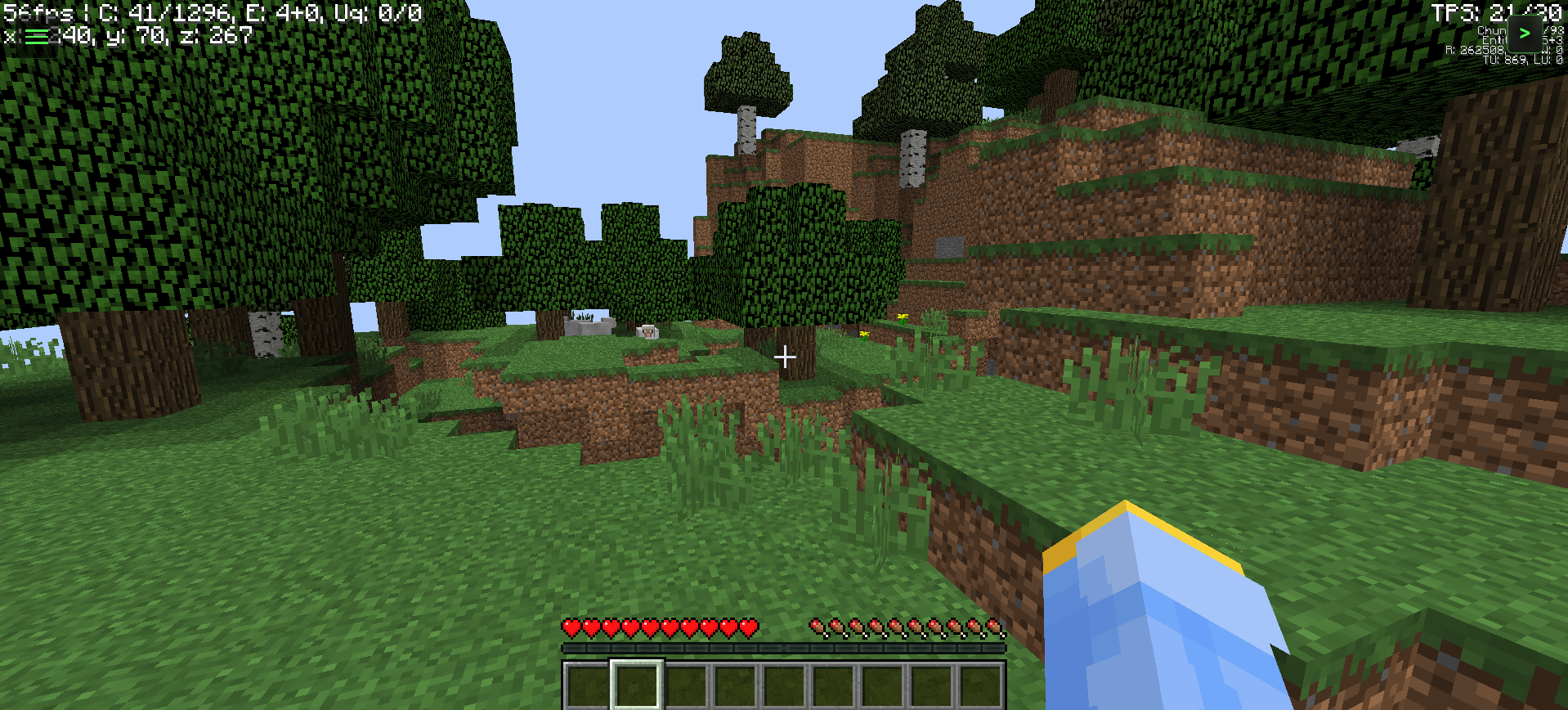
Experience Minecraft 1.12.2 directly in your browser with a high-performance, feature-rich launcher designed for the modern web. This custom-built interface bridges the gap between browser gaming and a professional desktop experience.
⚠️ Note: This experience is highly optimized for PC. Gameplay on mobile devices is not recommended unless you have an external controller connected.
🚀 Key Features
- Live Player Network Tracking: Stay connected with the community. Our real-time status engine polls major hubs across the Eaglercraft network to show you exactly how many players are online globally.
- Active Instance Counter: See how many other players are using this specific launcher right now, powered by a real-time cloud database.
- Advanced Control System: Our "Pro-Focus" technology ensures your controls never lag. Clicking launcher buttons automatically hands focus back to the game, ensuring you never stop moving in the middle of a battle.
- Minimalist UI Slider: Keep your screen clear. Use the tactical arrow toggle to slide the control deck out of view for a pure, immersive gameplay session.
- One-Click Fullscreen: Enter a total immersion mode with a single click, optimized for high refresh rate monitors and browser-based rendering.
- External Access Mode: Need a clean slate? Use the External Link feature to launch the game in a standalone window for maximum performance and compatibility.
🛠️ Technical Specifications
- Version: Minecraft 1.12.2 (Eaglercraft Edition)
- Optimization: Custom CSS-hardware acceleration for the UI.
- Network: WebSocket-ready for all major Eaglercraft 1.12.2 servers.
- Design: Neon-tech aesthetic with a blurred backdrop-filter for a premium "Cyber" look.
🔐 Authentication & Servers
Because Eaglercraft runs in a browser without official Mojang account integration, it uses a Community Auth System to protect your progress:- The /register Command: When joining a new server, you must secure your name. Open chat (T) and type:
/register [password] [password]. - The /login Command: Every time you return to that server, you must verify yourself by typing:
/login [password]. This prevents others from stealing your items or skin. - Joining Servers: 1. Click Multiplayer from the main menu. 2. Most major Eagler hubs are pre-loaded in this launcher. 3. To join a specific friend, click Add Server and enter their WebSocket (
wss://) address.
- Open your World: Start your single-player world as usual.
- Open to LAN: Press
ESCto open the pause menu and click the "Open to LAN" button. - Configure Settings: Choose your desired game mode and whether you want to allow cheats, then click "Start LAN World."
- Copy the Link: A special code or a "Join Link" will appear in your game chat.
- Share the Code: Give that specific link or code to your friend.
- Joining: Your friend should go to Multiplayer -> Direct Connect (or Add Server) and paste the link/code you provided.
- The /register Command: When joining a new server, you must secure your name. Open chat (T) and type:
🎮 How to Play
- Wait for the Establishing Link sequence to complete.
- Click inside the game window to lock your mouse cursor.
- Use the Network Status menu on the left to see global activity.
- If the UI is in your way, use the Arrow Toggle on the right to slide it away.
- Enjoy the full 1.12.2 experience with no downloads required!
App Development: Sizzil HTML Game Development: lax1dude & the Eaglercraft Team Network Infrastructure: Eaglercraft 1.12.2 Service Providers UI/UX Design: Sizzil (Neon-Tech Edition) - lax1dude: The lead developer who actually wrote the code to make Minecraft run in a browser.
- Mojang/Microsoft: They own the original Minecraft IP.
- Server Hubs: Without the servers (like ArchMC or Zentic), there would be no multiplayer to track.
new feature-return to menu button located in the network settings
Comments
Log in with itch.io to leave a comment.
ples read the discription before playing trust me you will need it