TheDice
A downloadable game for Windows, macOS, Linux, and Android
Core Gameplay & Mechanics
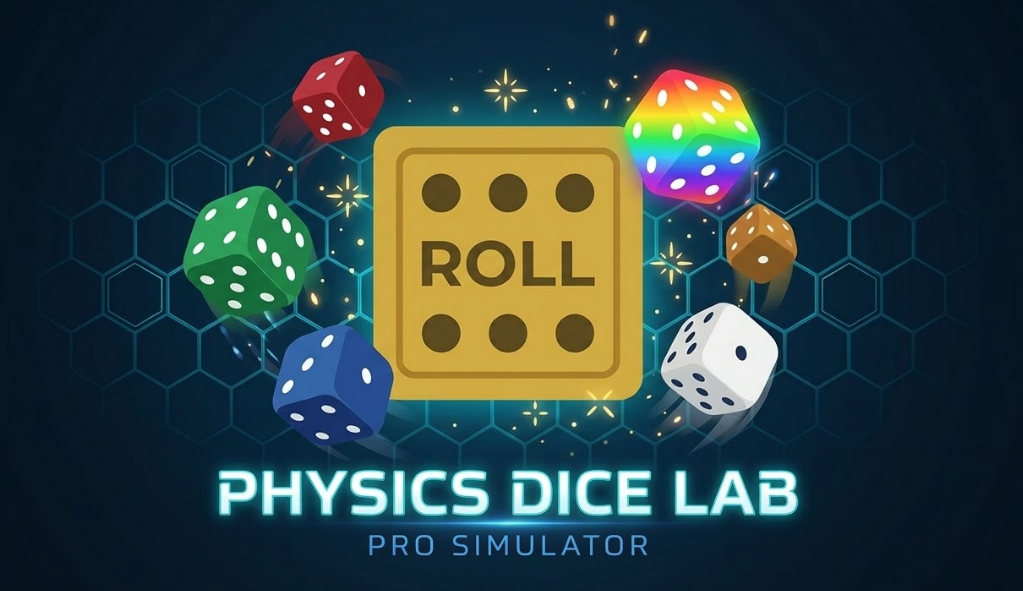
- Physics-Driven Rolling: The game uses the Matter.js engine to simulate gravity, momentum, and bouncing.
- Dynamic Control: You can adjust the "speed" of the simulation from 1x to 5x, or manually add/remove up to 7 dice at once.
- Pre-Destined Outcome System: The game features a clever "next-value" logic where the result of the roll is decided before the dice stop moving, allowing for unique visual effects like the Gold Particle FX to "predict" the winner.
Visual Style & UI
- Sleek Aesthetic: The interface follows a "Dark Mode" design with a deep navy/black background and glassmorphism menus.
- Neon & Effects: It features neon accents, motion blur, and "Collision Sparks" that trigger when dice hit the walls or each other.
- Customization: A detailed settings menu allows you to toggle specialized modes like Rainbow Dice, Low Gravity, and Heavy Dice.
Technical Design
- Single-File Build: The entire application (Logic, Style, and HTML) is contained in one file for easy portability.
- Audio Feedback: The game includes a custom synthesizer system that generates real-time sound effects for rolls, clicks, and collisions.
Download
Install instructions
Download & Install Instructions
Since this game is built as a high-performance, single-file HTML application, there is no heavy "installation" required.
How to Run
- Download the file: Click the download button to receive the
Dice Game.htmlfile. - Open the file: Simply double-click the file, or right-click it and select "Open with" followed by your favorite web browser (Chrome, Firefox, or Edge are recommended for the best physics performance).
- No Internet Needed: Once downloaded, you can run this tool entirely offline—the physics engine and styling are bundled within the code.
Requirements
- Web Browser: Any modern browser that supports JavaScript and HTML5 Canvas.
- Matter.js: The physics are powered by the Matter.js library. While the file usually pulls this from a CDN (online source), if you are a developer, you can save the script locally for a 100% "no-net" experience.
Quick Start Tip
- Once the game opens, hit the "ROLL" button to start the simulation.
- Use the ⚙️ (Settings) icon to enable Rainbow Mode or Gold Particle FX to customize your dice lab.
Comments
Log in with itch.io to leave a comment.
the Dice has a secret but you will find it just look very close to the main Dice